For destination weddings
The whole weekend, in one link.
Your guests aren't driving across town — they're booking flights. A destination wedding page has to answer the whole trip: which airport, where everyone is staying, welcome party to farewell brunch, and which events each guest is actually joining. One link in the group chat that stays current as plans change.
The Tulum weekend
Sofia & Marco
April 24th–26th, 2027 · Tulum, Mexico
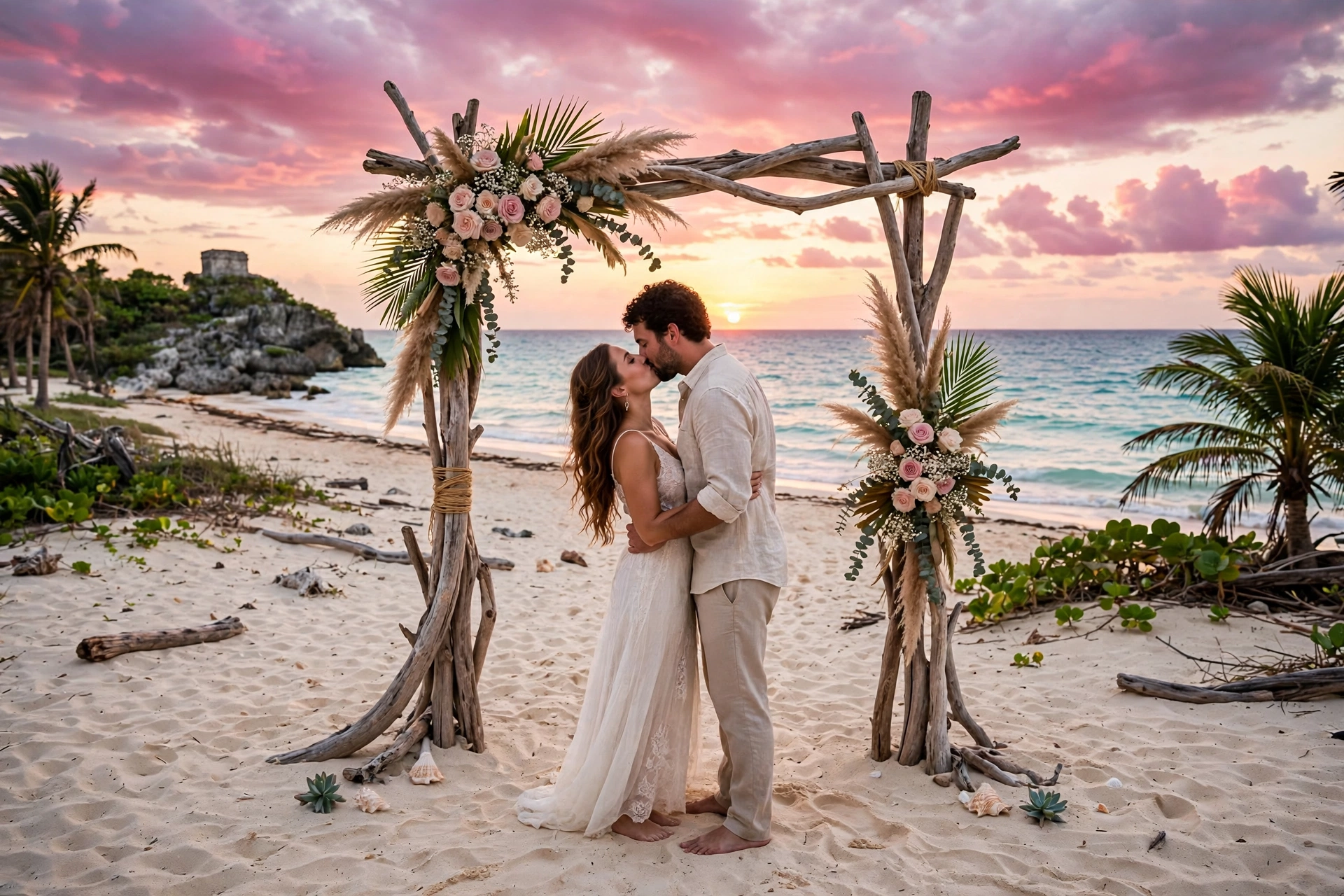 Weekend photo gallery
Join the weekend
linkfor.us/sofia-and-marco
01
One page the whole trip revolves around
Airport, transfers, the room block, what to pack — the logistics your guests would otherwise ask in fifty messages. Everything sits next to the schedule on the page, and it's editable, so when the shuttle time changes, the page changes and the group chat finally goes quiet.
- Travel logistics in the details section
- Editable as plans change
- Lives in the group chat, not in PDFs
02
The weekend is the unit, not the day
A destination wedding isn't one evening — it's a welcome party Friday, ceremony Saturday, farewell brunch Sunday. The destination pack starts you with all four events, each with its own time, venue hint, and dress code. Add a catamaran afternoon if you want; delete anything that isn't you.
- Welcome party → ceremony → brunch built in
- Per-event times, venues, and dress codes
- Add, rename, or drop any event
03
RSVP per event, not just yes/no
Nobody flies to Mexico for a brunch they can't make. Guests tick exactly the events they're joining, so your counts are real — chairs for the ceremony, seats for the farewell brunch — and the guest list breaks down per event. Deadline-friendly: set a date and the nudge goes out.
- Per-event yes/no on the RSVP form
- Real counts for catering and shuttles
- Host guest list per event
04
Dress codes for sand, not sidewalks
Per-event dress codes are ceremony data, not a footnote: 'linen and light fabrics' for the ceremony, 'resort casual' for the welcome party, 'come as you are' for the brunch. Plus the beach-wedding specifics — flat shoes or none at all, what to wear for an outdoor evening.
- Per-ceremony dress codes
- Beach-formal specifics built in
- Shared per event on WhatsApp too
“Nobody asked me about the airport. Nobody. My one link answered every question before it was asked.”
Every destination-wedding couple, probably (not a real review — yet)
Questions
Everything else you're wondering
What makes a destination wedding page different from a regular one?+
Your guests are booking flights, not driving across town. The page has to answer the whole trip: which airport, how to get to the venue, where everyone is staying, and what's happening across the weekend — welcome party Friday, ceremony Saturday, farewell brunch Sunday. One link they can keep in the group chat beats a chain of emailed PDFs.
Can I put the whole weekend schedule on one page?+
Yes — that's the point. The destination weekend pack starts you with welcome party, wedding ceremony, reception, and farewell brunch, each with its own time, venue hint, and dress code. Guests RSVP to the events they're joining — nobody flies to Mexico for a brunch they can't make.
What about travel logistics — flights, hotels, shuttles?+
That's the details section's whole job. Airport (fly into Cancún — it's a 90-minute drive to Tulum), how to reach the venue, where the room block is, shared-car coordination — all on the page next to the schedule, so it stops living in someone's email. The details block is editable, so it stays current as plans change.
Can guests RSVP to individual weekend events?+
Yes. The RSVP form lists every event and guests tick exactly the ones they're joining — ceremony yes, farewell brunch no. No accounts, no app installs, no password for people you see once a year.
Can I share it in the family WhatsApp group?+
That's the channel it was built for. Share buttons open WhatsApp with a pre-written invitation, and every ceremony has its own share button too — send the welcome-party details to the early arrivals, the full page to everyone. It also renders as a proper preview card when pasted anywhere.
How is this different from The Knot or Zola for a destination wedding?+
Those are built for single-day weddings with local guests: one ceremony, one reception, one address people already know. A destination wedding is a trip, not an evening — multi-event schedules, travel logistics, and RSVPs from people flying in. linkfor.us treats the weekend as the unit.
Do my guests need an account?+
Never. They open the link and RSVP. That's the entire point — every account wall you remove is more RSVPs you actually get, especially from your mom's cousin who still prints directions.
What if someone can't come — can I ask about their plans gently?+
The RSVP form's 'can't make it' option is written kindly, and meal-preference style questions can double as travel intel (flight in Friday? need a shared car?). You see per-event counts in your guest list, so you know exactly how many chairs — and how many shuttle seats.
Is there really no subscription?+
Really. You pay once, and your paid page includes hosting for at least two years from the wedding date. We email you long before anything ever changes, and we never delete your page outright.
Can I keep the page private for my guests only?+
Yes, with Celebration. Add a guest password, keep it out of search engines, or both. Your call, changeable anytime.
Can I show what the weekend actually looks like?+
The sample Sofia & Marco page is the pattern: beach ceremony photos, dinner-on-the-sand gallery, the whole weekend's schedule. Your guests land on the page and immediately feel the trip. See the link above.